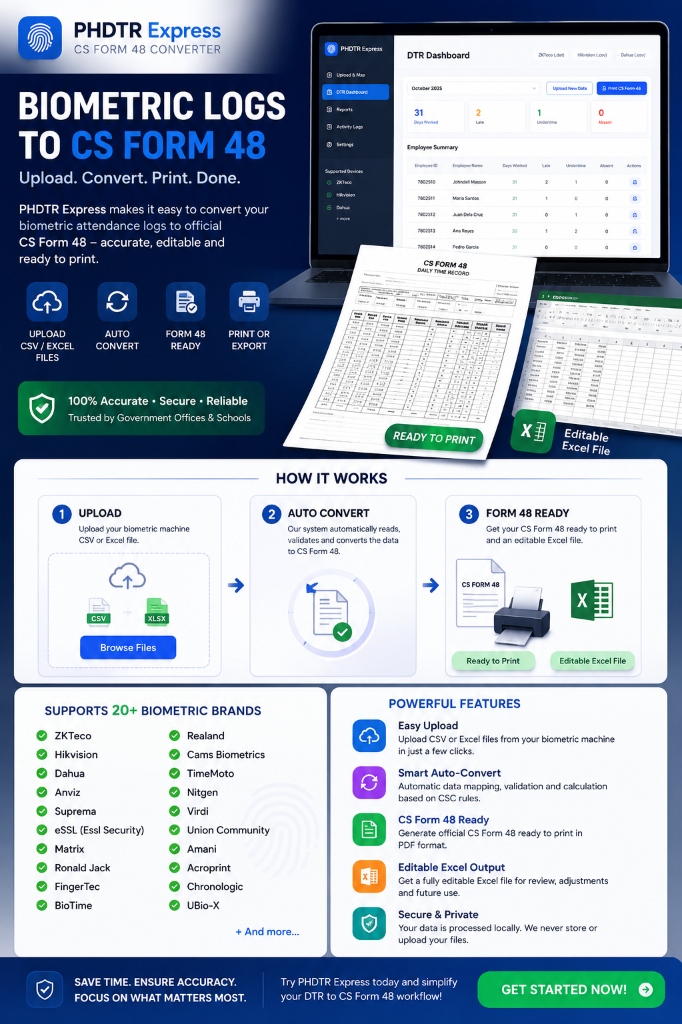
Upload Biometric Logs
CSV, Excel 97-2003 (.xls / SSRTemplate), Excel (.xlsx), TXT, XML, JSON, DAT, MDB/ACCDB, SQLite, SQL, LOG, BAK & ZIP
Load Demo:
Drag & drop biometric files here
or browse your files
Supports: CSV · Excel 97-2003 (.xls / SSRTemplate) · Excel (.xlsx) · TXT · XML · JSON · DAT · MDB/ACCDB · SQLite · SQL · LOG · BAK · ZIP (Max 50MB)
Multiple Formats
CSV, Excel 97-2003 (.xls), Excel (.xlsx), TXT, XML, JSON, DAT, MDB/ACCDB, SQLite, SQL, LOG, BAK & ZIP up to 50MB.
Smart Mapping
Auto-detect columns and map to CS Form 48 fields.
High Accuracy
Advanced validation to ensure data accuracy.
Form 48 Ready
Convert and download CS Form 48 instantly.
CS Form 48 (October 2025)
Calculated© 2026 jecoaff™ – SoftDev Solutions. All rights reserved.
Designed and Developed by jecoaff™
Work Schedule Configuration
Strict Mode enforces exact boundaries. Flexi Mode allows dynamic shift starting times.
Prescribed Office Hours
Schedule Exceptions
Total Employees
0
Days Analyzed
0
Total Work Hours
0 hrs
Tardiness Flagged
0
Employee DTR Summary Statistics
| Employee ID | Name | Days Worked | Total (Hours) | Total (Minutes) | Status |
|---|---|---|---|---|---|
| No employee data processed yet. Please upload biometric logs. | |||||
System Event Logs
No logged activities yet.